Describe it.
Tell Form what the tool should do, the way you would tell a colleague. An example of your data helps.
 form
form Built for Mac. Shaped by you.
Describe the small thing you wish your computer could do. Work with Form to turn it into a focused native app.
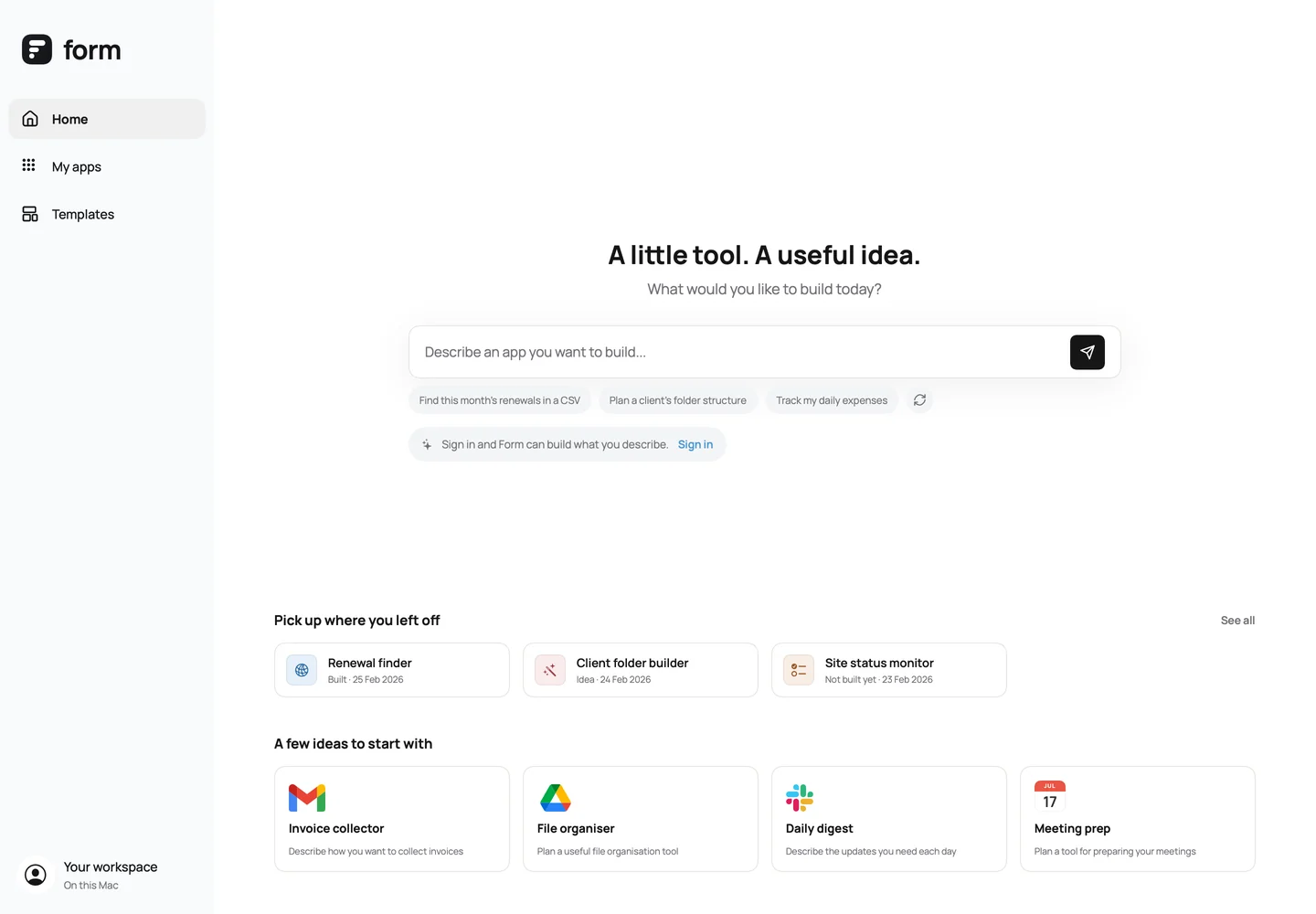
Tell Form what the tool should do, the way you would tell a colleague. An example of your data helps.
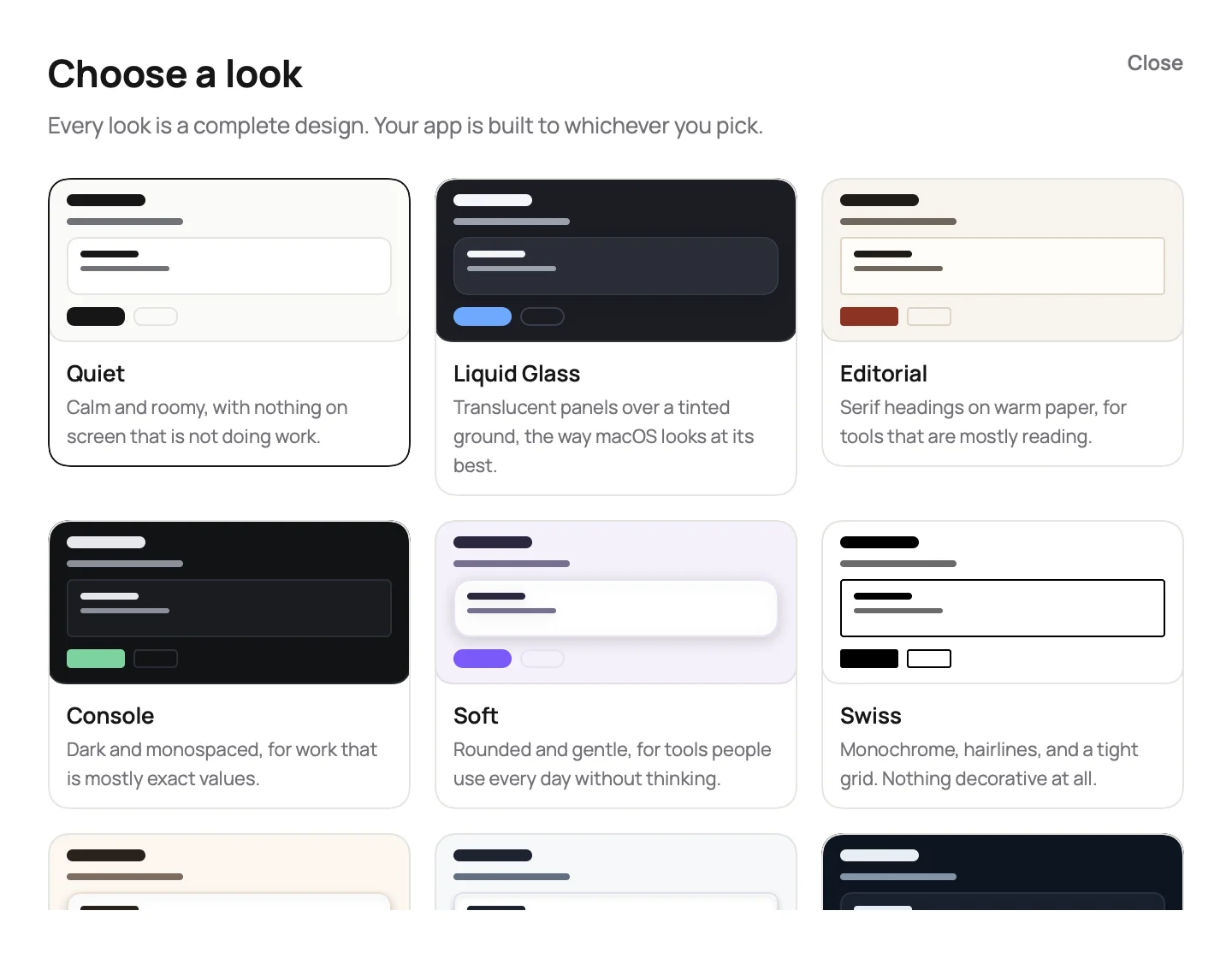
Form asks only what changes the result, and shows you looks to choose between rather than guessing.
Form writes the app, compiles it on your Mac, and fixes its own mistakes if it does not build first time.
Ask for changes in the same conversation. Every version is kept, so you can always go back.
MADE FOR MAC
Form starts from native application patterns: file utilities, tables, focused forms, and list/detail views. The starting point fits the job.
Every app is built from one shared design system, so nothing comes out looking improvised.
Real SwiftUI controls, system dialogs, keyboard navigation, and window behaviour.
Apps reach the files you choose and nothing else. What yours needs is written on the tin.
Your apps are kept with your account, so signing in on another Mac brings them back — conversation, versions and all.
Begin with local files or a focused API workflow. External services need a configured connection and your permission.
read the guideEvery version is kept. Restore an earlier one whenever a change loses something that worked, and build again.
read the project guide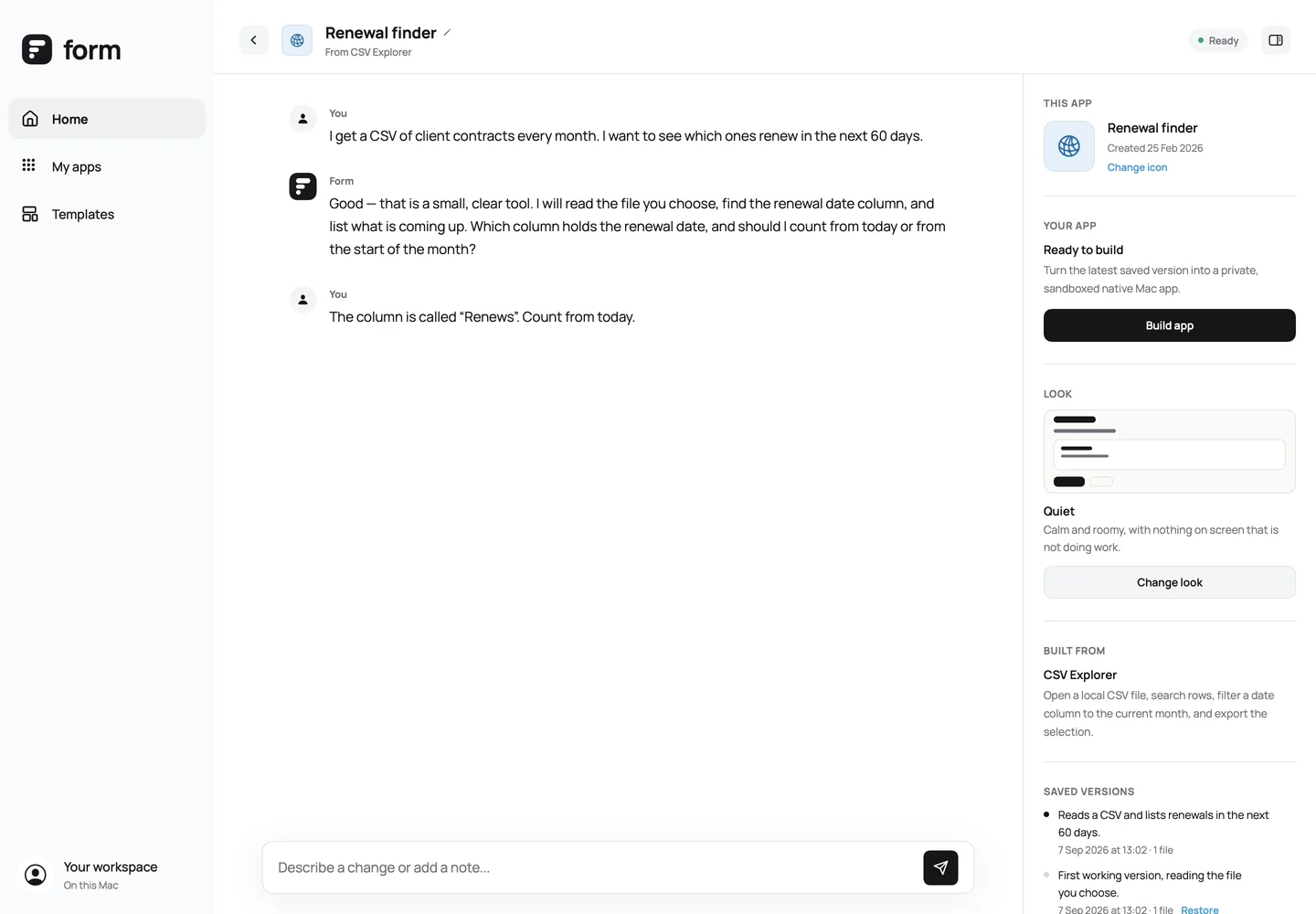
Form is in development. This site is a look at where it is up to.